


Search "best face swap app" and you'll mostly get meme tools. Drop your face on a movie clip, laugh, share. That job is fine. It just isn't the job when the photo you saved is a model in a blazer and you want to know whether that look works on you before you spend money.
We make TryAnyOutfit, and Face Swap is one of the studio modes we charge credits for, so our bias is obvious. We haven't graded every engine on image quality either. We'd rather map what each app asks for and costs, with terms lifted from their own App Store pages and sites. One hard rule up front: only use photos of yourself, or photos you have clear permission to edit.

Face swap for fashion previews a hairstyle, outfit or editorial look on your own photo. It is not a licence to invent a stranger's scene.
The short version first.
| App | What the swap is for | Platforms (US listings) | Free side (per listing) | Paid side (US IAP) |
|---|---|---|---|---|
| TryAnyOutfit | Your face on a model's full styled look; also outfit try-on from screenshots | iPhone, Android, web studio | Setup free; no free renders | Packs from $2.99 for 5; plans $7.99/week or $14.99/month |
| Reswap | Generative still-photo swap into any photo you pick | iPhone (iOS 18+) | 3 free reswaps per month (App Store description) | Reswap+ weekly $7.99, monthly $14.99, yearly $99.99; 20-pack $14.99 |
| Reface | Face into template videos and GIFs, plus AI avatars | iPhone, Android | Free install; limited free use with ads (typical pattern) | Weekly from about $2.49–$6.99; monthly $12.99; annual $24.99 |
| RemakeFace AI | Face onto templates or custom gallery images | iPhone | Free install | Weekly $2.99, monthly $4.99, yearly $34.99 |
| FaceApp | Hairstyle and portrait edits (not a dedicated face-replacement app on the current listing) | iPhone, Android | Free install with limits | FaceApp PRO listed at several price points ($10–$100) |
None of these measure your body or pick a clothing size. A swap can tell you whether a cut or silhouette suits you. The retailer's size chart still decides the order. For clothes-only tools that keep your whole face and rewrite the outfit, see Clothes Swap AI and best AI clothes changers.
TryAnyOutfit: face swap aimed at the outfit you saved
Our Face Swap mode is for the case where the reference is already a full look on a model: an editorial shot, a store campaign, an Instagram outfit. You add your photo and that look. The studio puts your face onto the styled image. Same Studio also runs a classic try-on from a garment screenshot, plus small custom edits such as rolled sleeves or sunglasses.
iPhone and Android both work, and so does the web studio at tryanyoutfit.com/tryon. Every try-on, face swap or custom edit uses one credit, per our FAQ. Packs are 5 for $2.99, 15 for $4.99 or 30 for $8.99. Plans are 20 try-ons for $7.99 a week or 50 for $14.99 a month. Choosing photos is free. Generating is not.
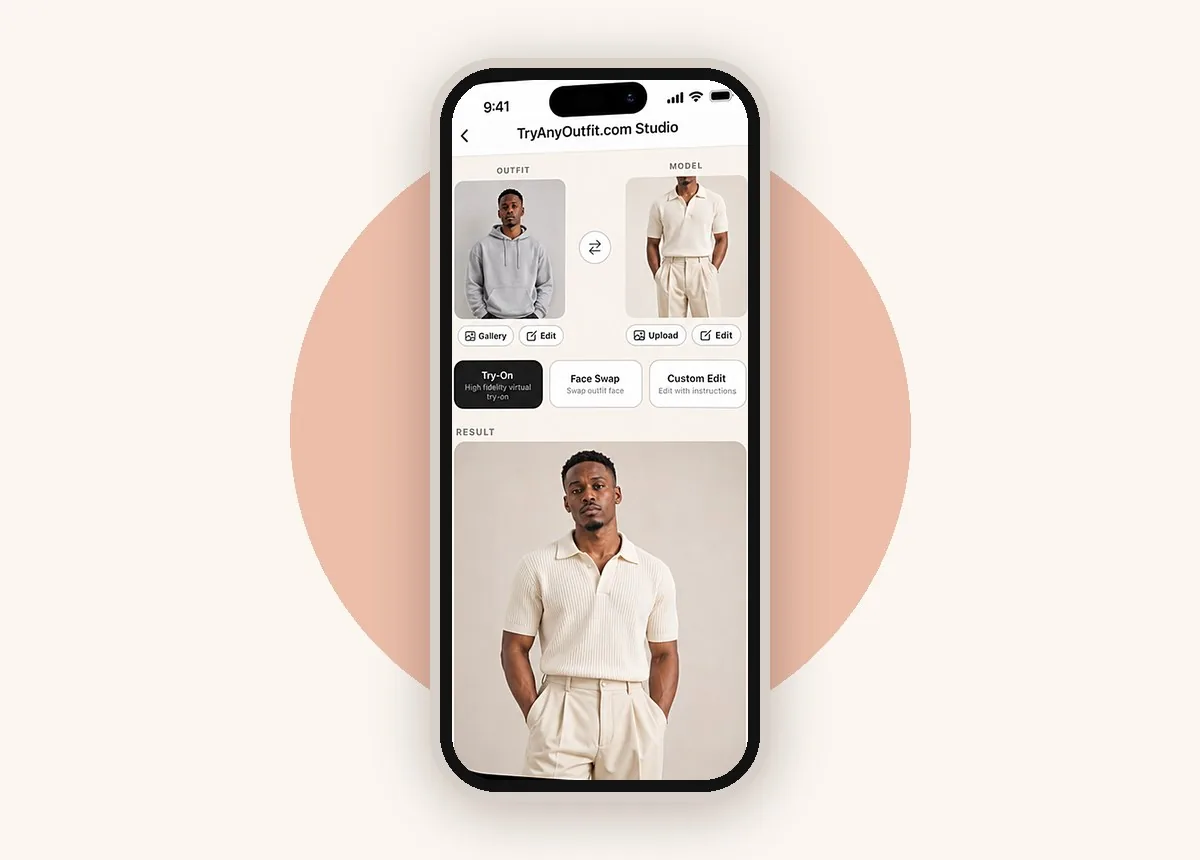
TryAnyOutfit Studio: pick Try-On, Face Swap or Custom Edit from the same two-photo setup.
We preview a look. We don't measure fit. If a print or pocket drifts in the result, trust the product photo, and check the size chart before you buy. Phone-first shopping apps sit in the best virtual try-on apps.
Reswap: still photos, not clip templates
Reswap's App Store page describes a generative path: upload selfies once, pick any photo, tap reswap. It markets face and body swap, and trying an outfit on any photo. The listing states 3 free reswaps per month, then Reswap+ or packs. Reswap+ sat at $7.99 weekly, $14.99 monthly and $99.99 yearly on the US page, plus a 20-reswap pack at $14.99. Rating was early (a handful of ratings), and it needs a recent iPhone (iOS 18+ on the listing).
If your goal is a realistic still of you inside a specific outfit photo, Reswap is closer to that job than a meme-template library. Confirm the live paywall before you plan a batch around the free allotment.
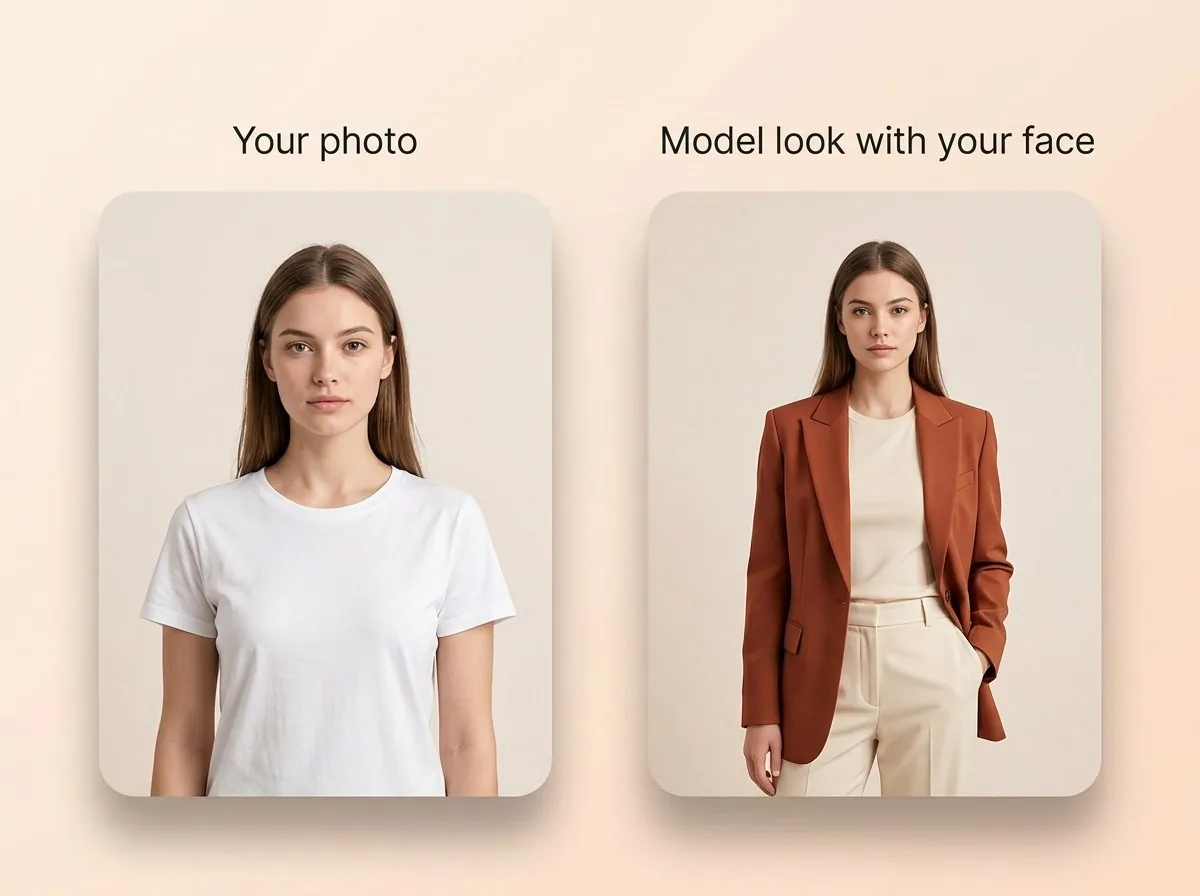
A fashion face swap keeps your face and applies a styled model look — useful before you buy the pieces.
Reface: the template and video giant
Reface is what most people mean by "face swap app". Its description centers on putting your face into trending videos and movie stills, with AI avatars and hairstyle previews on top. The US listing showed about 4.8 stars from roughly 496,000 ratings. Weekly options run from about $2.49 to $6.99, monthly at $12.99 and annual at $24.99.
Great for clips and social templates. Less ideal when the template is a product-page screenshot you need to judge for a purchase. Reface isn't built as a shopping try-on. Hairstyle preview features are the closest fashion-adjacent use on its own marketing copy.
RemakeFace AI: custom gallery uploads
RemakeFace AI's listing describes face swaps on templates, and custom images from your gallery. US IAP: weekly $2.99, monthly $4.99, yearly $34.99. About 4.5 stars from roughly 2,600 ratings. Treat it as a general swap tool. Check what the current build allows for a full-body outfit photo versus a face crop before you rely on it for shopping decisions.
FaceApp: hairstyle and portrait edits, not classic face swap
FaceApp's current US listing leans on photorealistic filters and hairstyle changes. Makeup and retouching sit next to those. It does not present itself as a dedicated face-replacement tool the way Reface does. People searching "face swap" often want a look change (a cut, a color), and FaceApp still sells that, which is why it's here. PRO prices on the IAP list run across several $10–$100 entries. The page doesn't spell out a single clear plan in plain text, so read the paywall in-app.
If you need someone else's face dropped onto a photo, this isn't the pick. For hair on your own selfie, it might be.
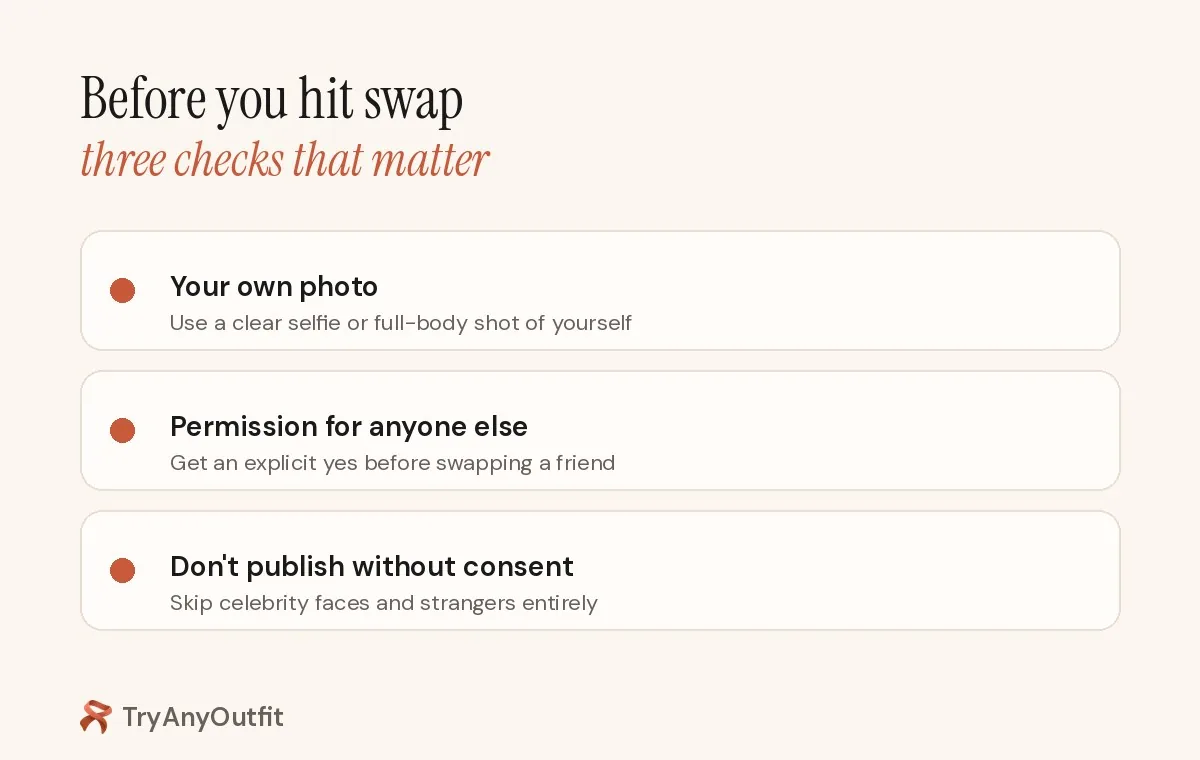
Before you hit swap: your photo, or clear permission. No exceptions for "just a joke".
Consent rules before you publish
A face swap app will do whatever you feed it. That doesn't make every swap okay. Stick to your own photos. If a friend wants in, get an explicit yes before you generate or post. Don't use celebrity faces, coworkers or strangers to invent scenes they never agreed to. Several platforms treat non-consensual intimate deepfakes as abuse, and some jurisdictions ban them. When in doubt, don't publish.
Also remember the boring limit: a face swap is a generated picture. Lighting and fabric details can drift. Compare the output with the original product or hairstyle photo before you buy or book anything.
Which one to open first
For a model's full outfit look on your face, or a store screenshot on your body photo with results saved in a wardrobe, that's TryAnyOutfit's lane.
For a generative still of you inside any photo you already have, on a recent iPhone, start with Reswap's free monthly allotment.
For viral video templates and GIFs, Reface is the obvious first install. RemakeFace fits a cheap custom-image swap on iPhone. FaceApp fits hair and makeup on your own selfie, not a face transplant.
And whichever you pick, run the same source photo when you compare looks. Changing the selfie between options makes the comparison meaningless. What "free" usually means for clothes changers is covered in Is There a Free AI Clothes Changer?.
Sources
App Store listings and product pages checked on October 12, 2026. Prices and free limits change often; confirm them in each app before you buy.
Items mentioned
- TryAnyOutfit: Face Swap for model looks plus screenshot try-on; setup free, every render uses a credit.
- Reswap: Generative still-photo swap; 3 free reswaps per month per App Store description.
- Reface: Template video and GIF face swaps with AI avatars and hairstyle previews.
- RemakeFace AI: Face swaps on templates or custom gallery images.
- FaceApp: Hairstyle and portrait edits; not a dedicated face-replacement app on the current listing.
Frequently asked questions
Which face swap app is best for trying a model's outfit on myself?
TryAnyOutfit's Face Swap mode is built for putting your face on a full styled model look, and the same studio also does outfit try-on from store screenshots. Reswap is a still-photo alternative on recent iPhones.
Is Reface good for shopping try-on?
Reface is strongest for template videos and GIFs. It isn't built as a shopping try-on for product screenshots. Hairstyle previews are the closest fashion-adjacent feature on its listing.
Can I swap someone else's face without asking?
No. Only use your own photos, or photos you have clear permission to edit. Don't publish swaps of strangers, coworkers or celebrities without consent.
Does a face swap show how clothes will fit?
No. A face swap or try-on preview is a generated picture. It doesn't measure your body or choose a size. Use the retailer's size chart before you buy.