


Build your swimwear shortlist
Swimsuit try-on. Compare the styles you would wear.
A one-piece, a bikini or a tankini: compare the look before choosing what to order. Add your photo and a swimsuit reference to prepare a paid AI preview in Studio. Use the guide below for the shopping checks an image cannot answer.
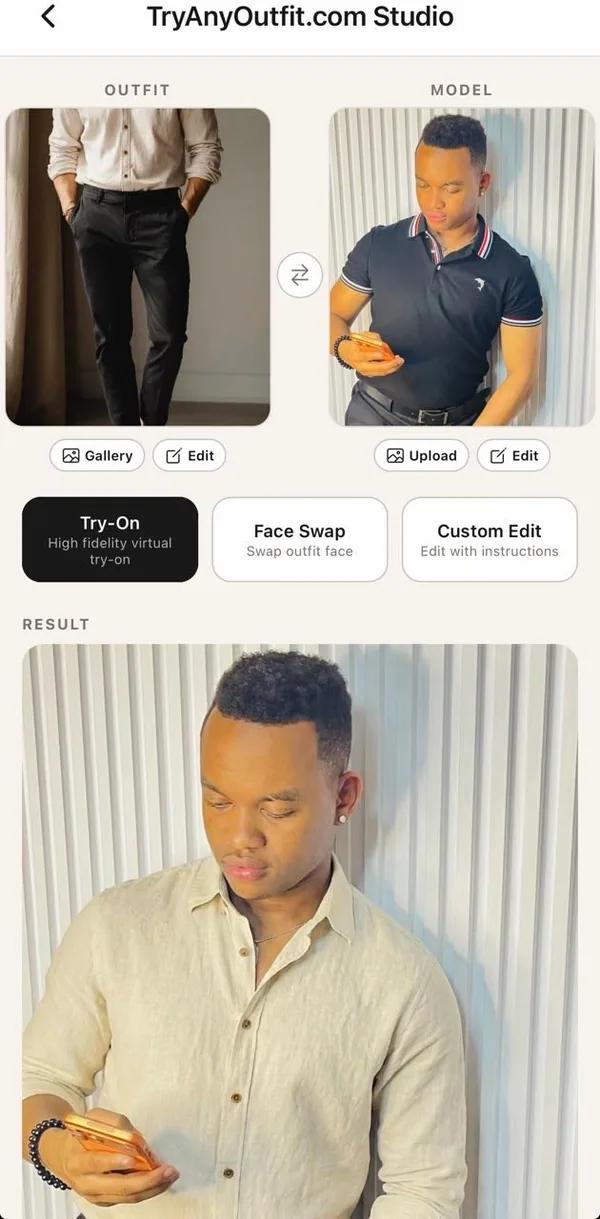
Set up your virtual try-on
Add your photo and the swimwear you want to preview. Uploads are free. Generating images in Studio requires sign-in and paid credits.
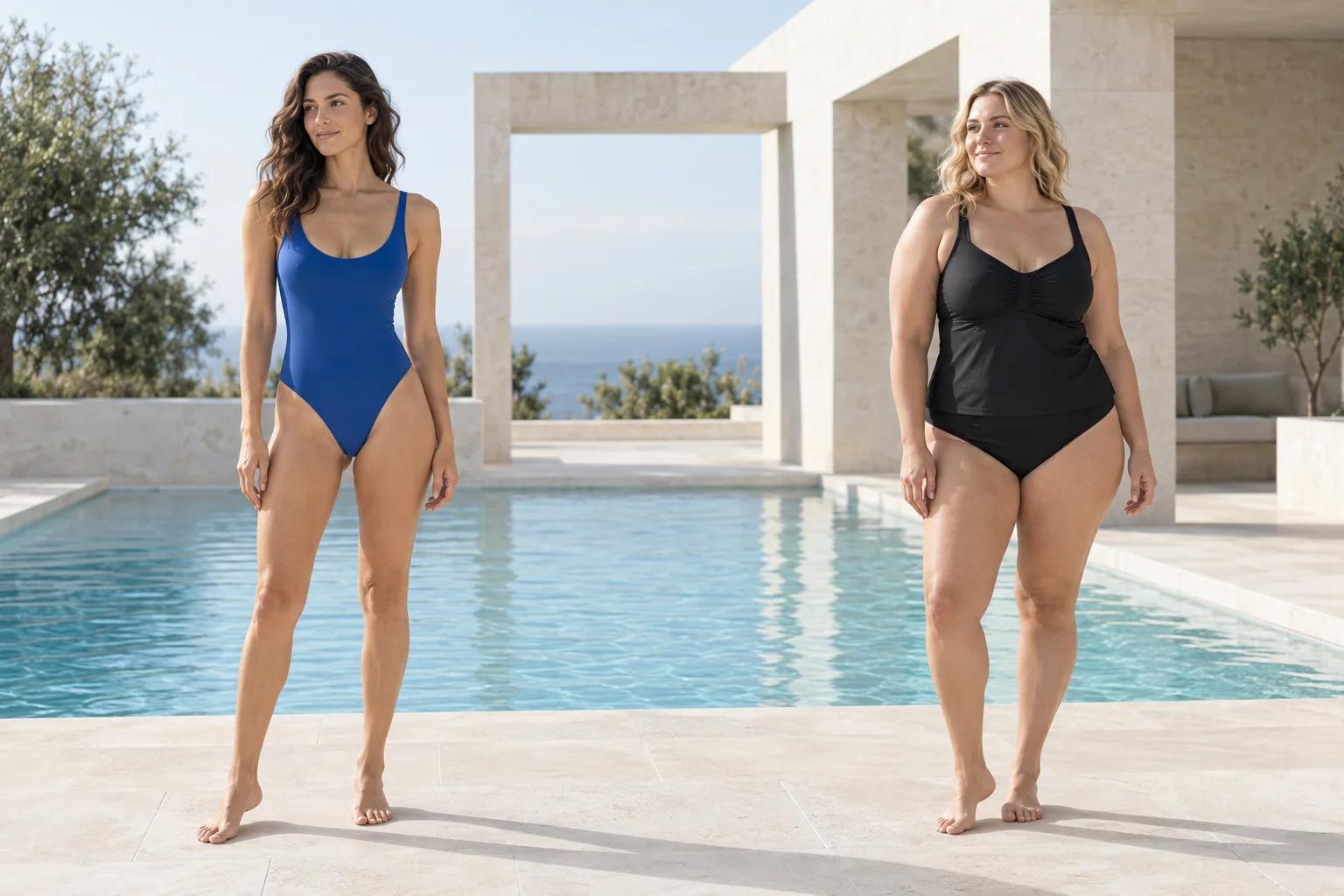
One-piece: check the torso details
A preview can help you compare a neckline, a print or the visual placement of panels. Check the actual garment's torso length, back shape and adjustable straps in the product details. A smooth AI result does not prove that the one-piece will sit comfortably through your shoulders and hips. Include the whole swimsuit in the reference so the neckline and leg openings are visible.
Bikini: consider the pieces separately
Look at top support and bottom coverage as two separate purchase decisions. If you buy different sizes for each, confirm that the retailer sells them separately. Use a reference showing the combination you plan to wear. The preview helps you compare how the colors work together; it does not establish cup fit or how secure the fastening will be.
Tankini: look at the overlap
Check where the top ends relative to the waistband in the product photos. AI may change that overlap, especially when the source pose differs from the model's. Compare the generated look with the retailer's front and side views. For swimming or active use, read the fabric and fastening details rather than judging security from a still image.
Compare swimwear on the same source photo
Use one clear person photo for each style so changes in pose and lighting do not dominate your comparison. Keep a note of the product name, colorway and retailer beside each result. Try a solid and a print, or a one-piece and a two-piece, based on the choice you are trying to make. Each generated result uses a credit.
Before placing the order
Treat the AI preview as one part of your shopping decision. Return to the product listing for details that an image cannot show.
- Measurements: use the brand's own size chart and measuring instructions.
- Support: check lining, cups, straps and closures in the product specifications.
- Coverage: compare original front, side and back photos.
- Returns: read the hygiene seal, sale item and return window conditions.
- Fabric: check composition and care instructions; AI does not simulate stretch or wet fabric.
Questions people ask first
Can I preview a one-piece swimsuit?
You can provide a clear one-piece reference with your photo for an AI preview. Keep the full swimsuit visible in the reference. Results may change details and do not confirm torso length or sizing.
Does the preview tell me how much support a swimsuit has?
No. Support depends on construction, material and physical fit. Read the retailer's information about cups, lining, straps and fastenings.
Can I use swimwear I already own?
Yes. Photograph it clearly with the whole garment visible and without folded fabric hiding its shape. Use that photo as the swimsuit reference.
Is the swimsuit preview paid?
Yes. Choosing your photos is free, while image generation in Studio requires an account and paid credits. The preview does not purchase the swimsuit.
Prefer it on your phone?
The app shares the same account, credits and looks.