


THE HALLOWEEN PHOTO BOOTH
Halloween costume try-on.
See yourself in a Halloween costume. Pick a style or upload one you found.
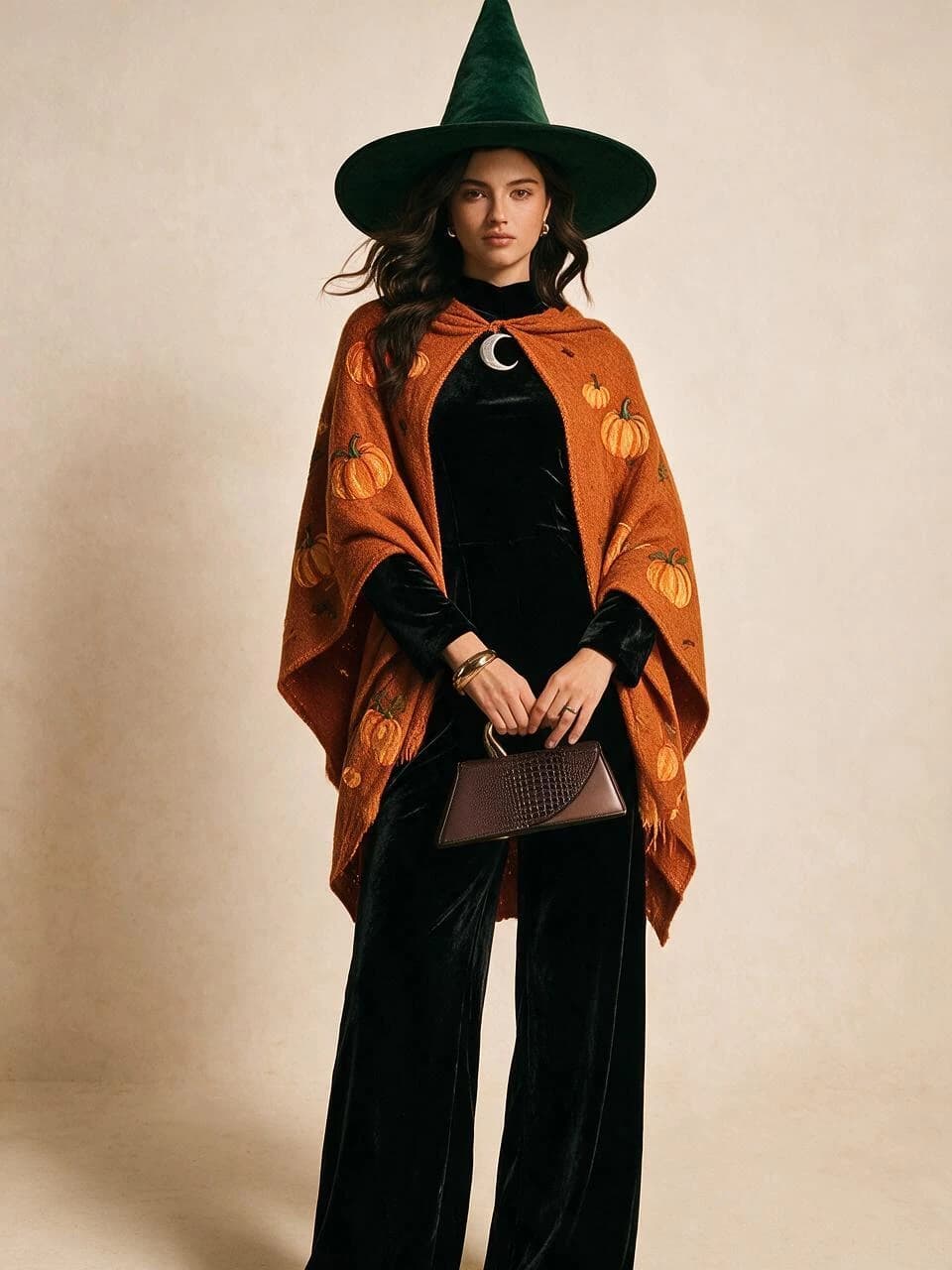
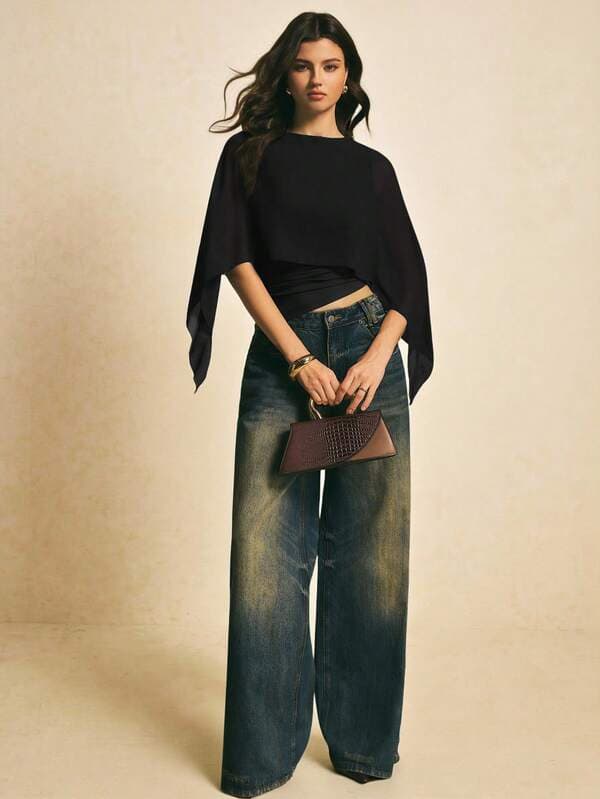
Your turn.
1 credit per costumeYour photo. A pictured preset or your own costume.
Paid credits required · Failed generations are refunded.
MADE TO KEEP. MADE TO SHARE.
Your Halloween
cover moment.
A real AI try-on using a photo from our outfit collection, ready to download or share.
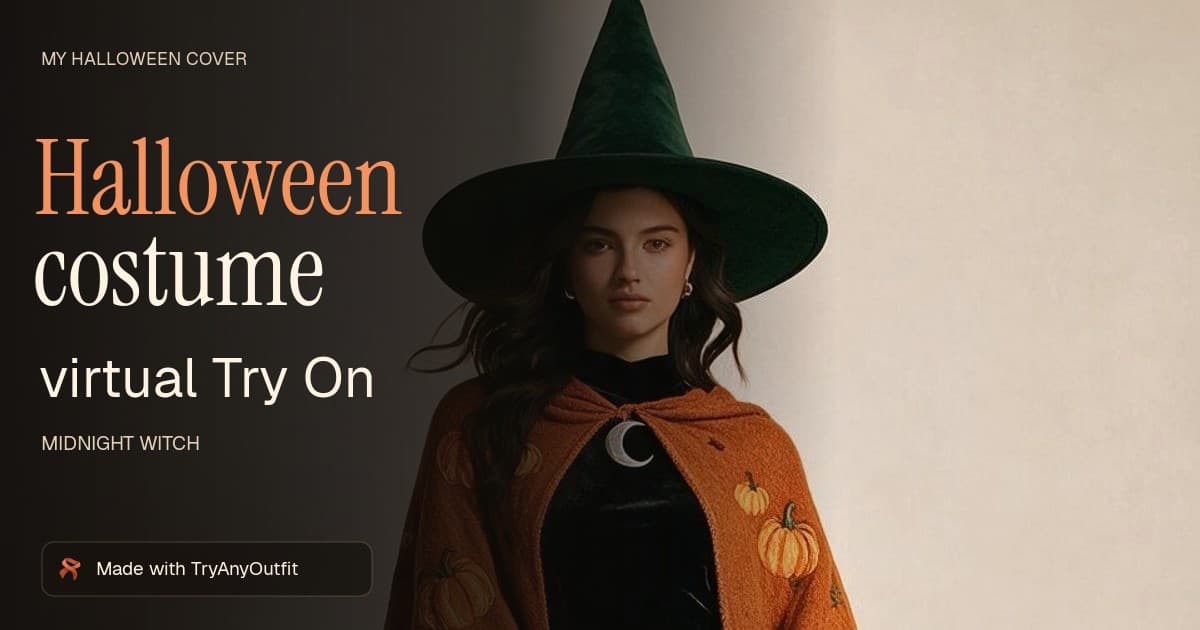
A COSTUME YOU CAN PICTURE
16 Halloween costume ideas to try on.
These style examples help you choose. Or upload your own costume photo for a look you found online.
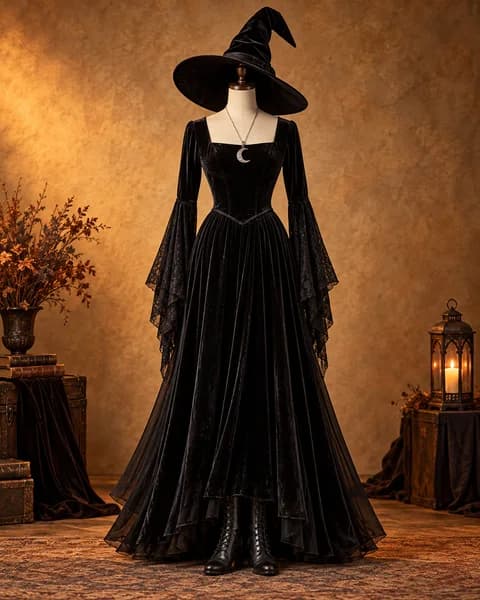
Midnight witch
Velvet, a wide-brim hat and a little mystery.
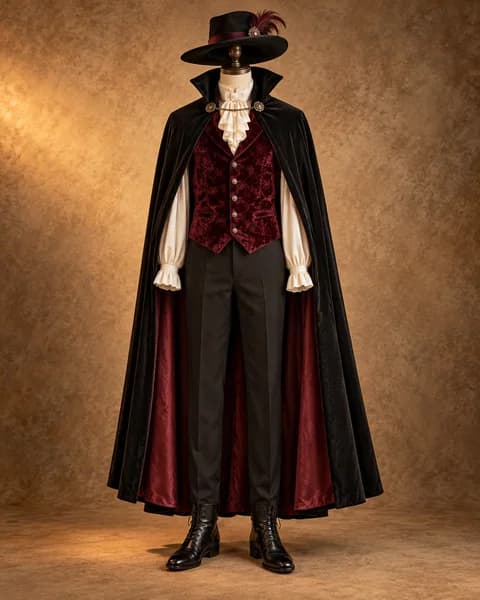
Velvet vampire
A dramatic collar. An excellent entrance.
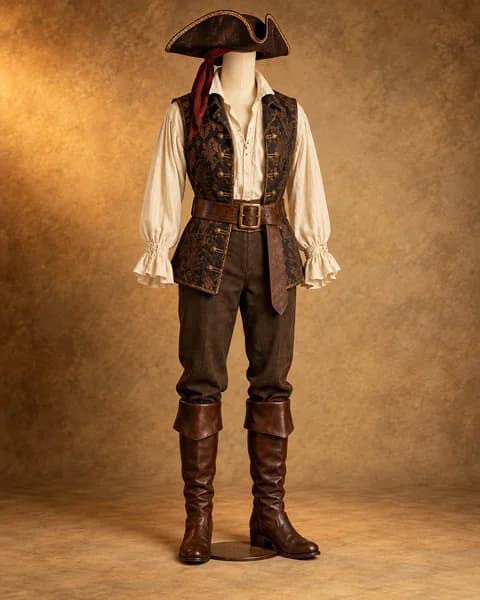
After-dark pirate
Linen, leather and an adventurous streak.
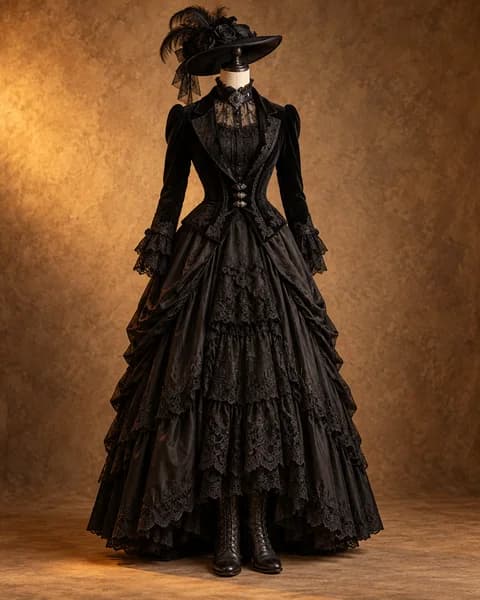
Romantic goth
Black lace meets Victorian tailoring.
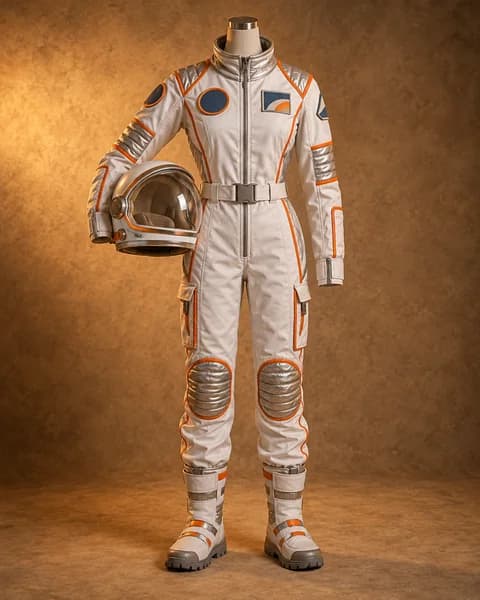
Off-duty astronaut
One small step. One very good costume.
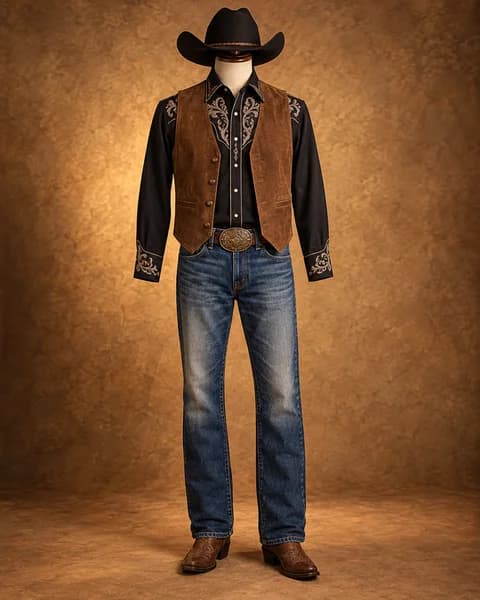
Midnight cowboy
A western hat with a darker twist.
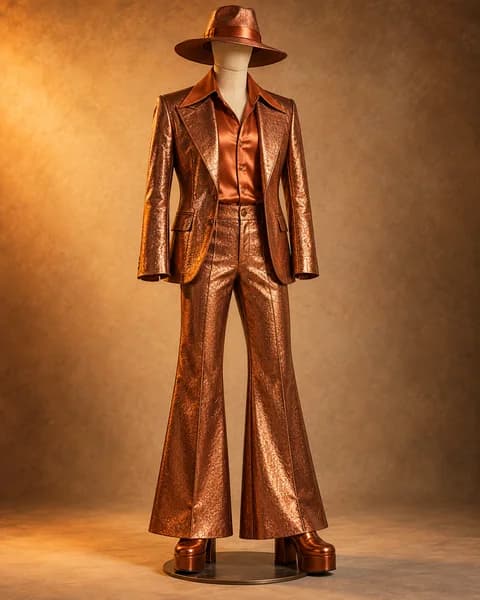
Disco after hours
A little metallic. A lot of presence.
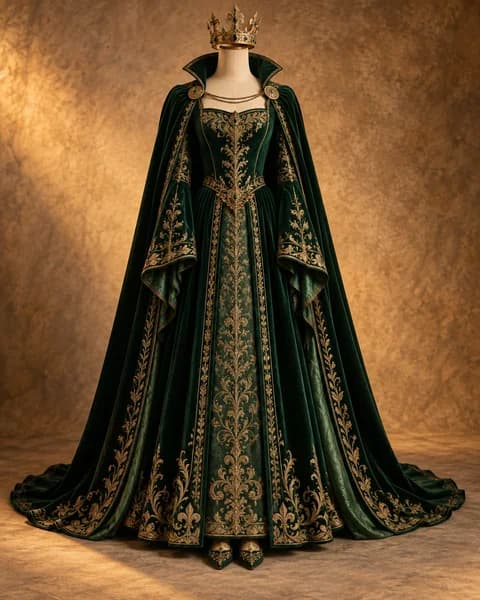
Gothic royalty
A crown, a cape and main-character energy.
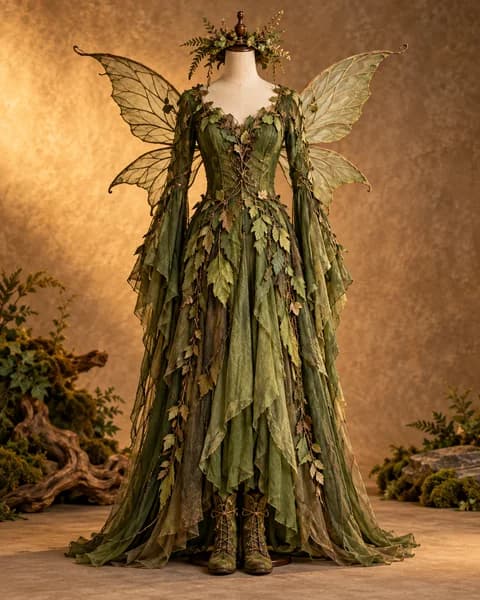
Woodland fairy
Botanical layers and translucent wings.
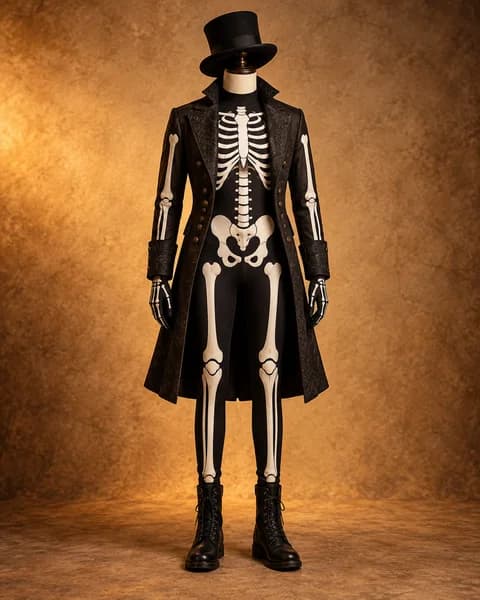
Graphic skeleton
The classic, with a graphic edge.
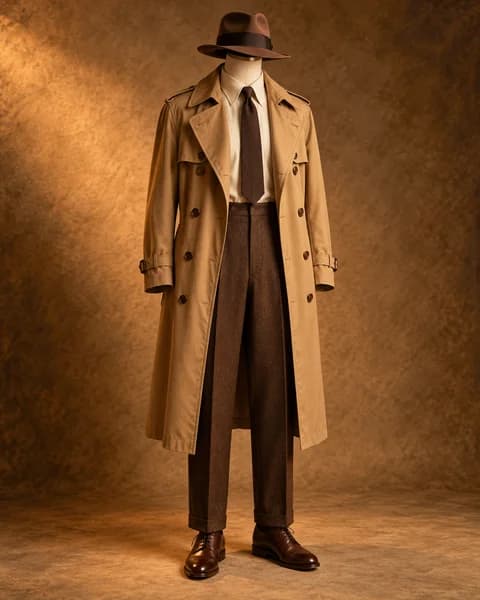
Noir detective
A trench coat. A very convincing alibi.
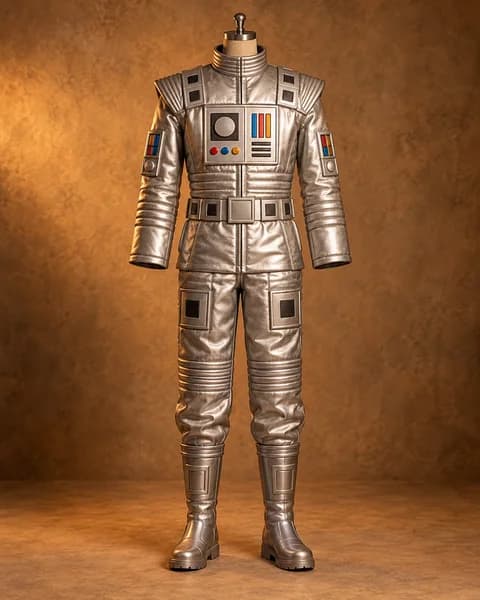
Retro-future robot
Space-age silver, straight from tomorrow.
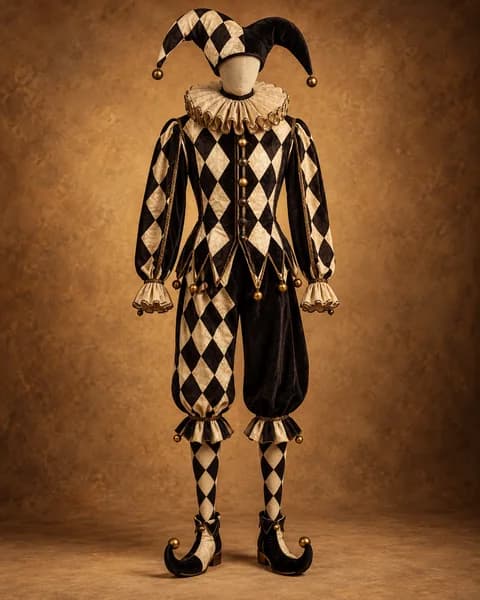
Moonlight jester
Harlequin checks, but make it couture.
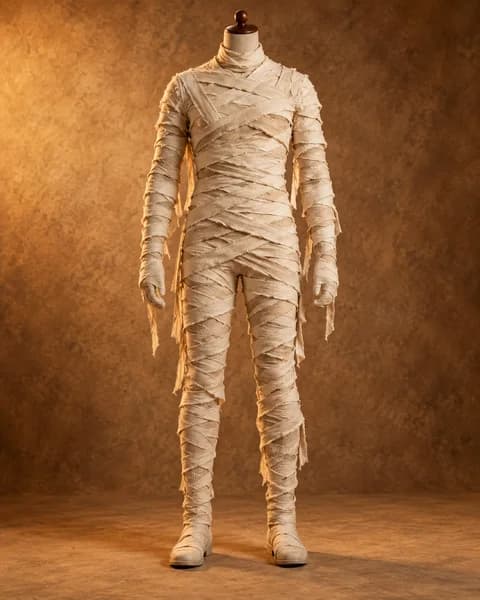
Museum after hours
Soft linen layers with an ancient twist.
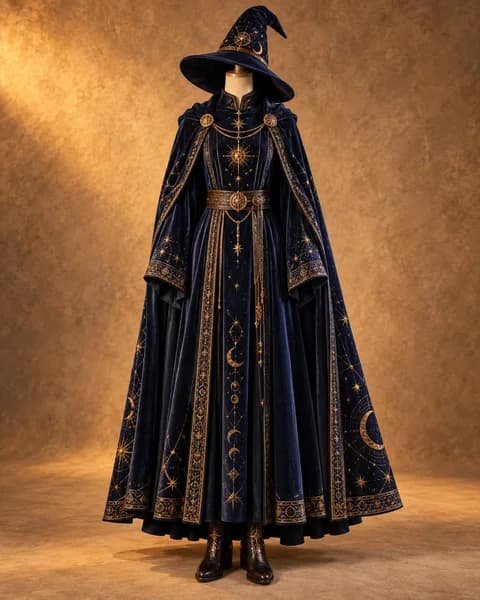
Celestial sorcerer
Deep-blue velvet and embroidered stars.
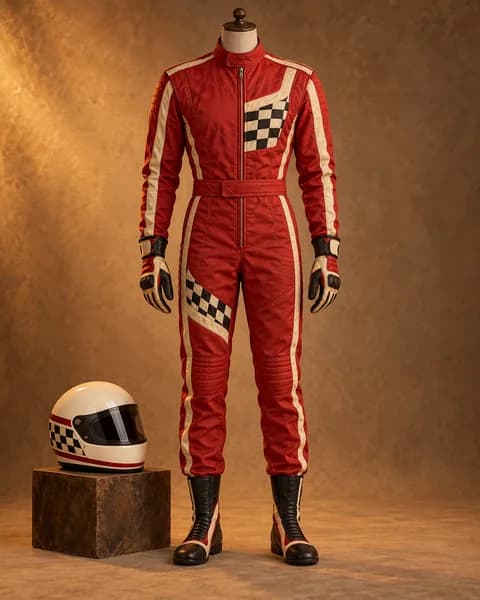
Retro racing driver
Checkered details. Fast-lane confidence.
ONE PHOTO IS ALL IT TAKES
Bring a clear photo.
We’ll bring the costume.
Keep your face visible and use good light. Pick a costume from the image cards, or upload a clear costume product photo or screenshot. Your photo supplies the person; your reference supplies the clothing.
Costume ideas & photo tips
For a classic Halloween look, try velvet witch or vampire styling. Pirate, astronaut and detective are adventure options; goth and disco focus on fashion. A waist-up or full-body photo shows more of the outfit. This AI Halloween costume generator is a styling preview; results and details vary. Open all year. Guide reviewed for Halloween 2026.
A FEW THINGS BEFORE YOU DRESS UP
Your costume-room questions.
How much does Halloween costume try-on cost?
Each costume uses 1 paid TryAnyOutfit credit. Choose a plan or credit pack, create an account or sign in, then complete checkout. Existing paid customers can use their available app credits. Failed generations are refunded.
How do I see myself in a Halloween costume?
Upload a clear photo of yourself, pick a pictured preset or upload your own costume reference, then choose Create my costume. A waist-up or full-body photo gives the AI more room to show the outfit than a tightly cropped face selfie.
Do I need to sign up?
Yes. You can view plans before registering. Choose a plan, sign in with Google or Apple, and complete checkout before generating.
Can I use my own costume reference?
Yes. Choose Upload your own costume and add a clear product photo, screenshot or costume reference. Your photo supplies the person; the costume image supplies the clothing. Each image can be a JPG, PNG or WebP under 5 MB. The same 1-credit price applies.
Are my selfie and result public?
Your original photo and costume reference are never placed on a public result page and is deleted from our tool storage after processing. The generated preview is private for up to 72 hours unless you choose Copy link or Post on X. Those actions create a public page, available to anyone with the link for 30 days.
How long does generation take?
Generation usually takes about a minute, but demand and the photo can change the timing. The progress indicator follows real processing stages. If the provider cannot finish, you will see a clear retry option rather than being left waiting indefinitely.
What if my costume preview fails?
Try a clear, evenly lit photo with one person and no heavy filters. A failed generation refunds its credit. You can retry once the refund arrives, subject to tool capacity. Safety-related failures may need a different, suitable photo.
Can I download and share my costume?
Yes. Download saves a JPG with a Made with TryAnyOutfit mark. Copy link creates a public result page; Post on X opens a composer with that link. Nothing is posted to your social account automatically.
Will this show the exact costume fit?
This is an AI styling preview, not a fitting or sizing service. Details, body proportions and accessories may vary. Compare any real costume with its product photos and size guide before buying.
Does this work outside Halloween?
Yes. The tool stays available all year for costume parties, themed events and planning ahead. We review the costume selection and guide before each Halloween.
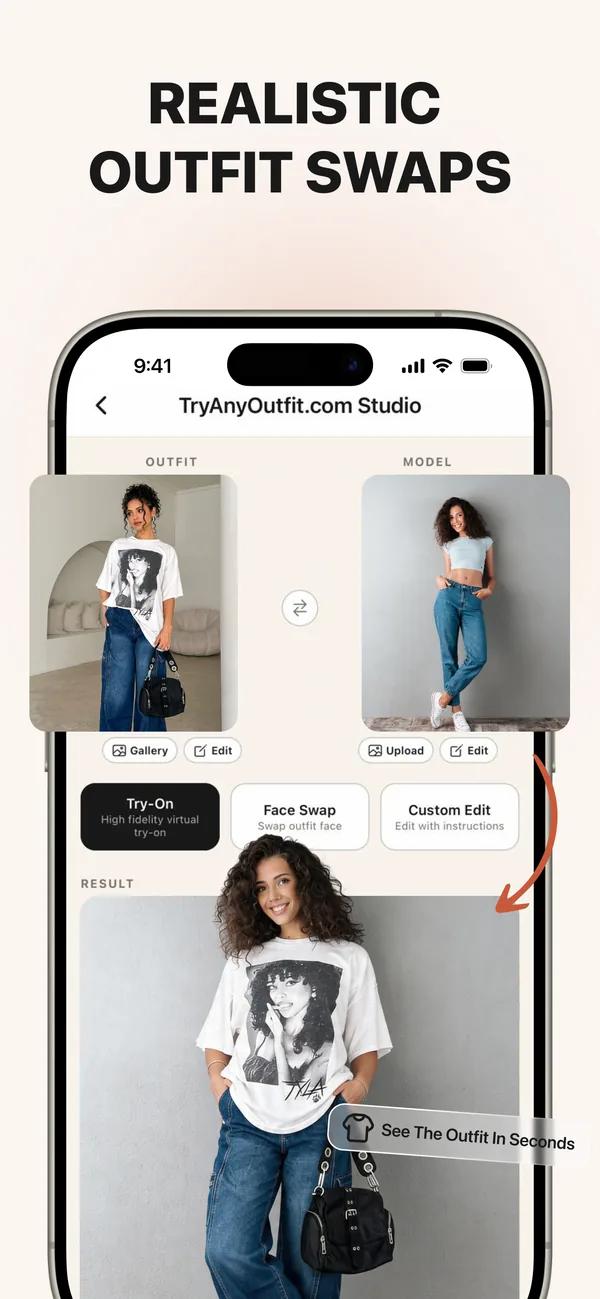
THE PARTY DOESN’T END HERE
That costume screenshot?
Try that, too.
Take your looks further in the app, with more outfits and editing tools.
Try any costume or outfit in the appApp generations follow the app’s pricing.