


Short answer: before I order a bikini, I put it on my own photo with TryAnyOutfit's bikini try-on, using a cropped product shot and a front-facing photo of me in even light. The preview tells me how that color and cut look on my body. The brand's size chart and the return policy decide the rest.
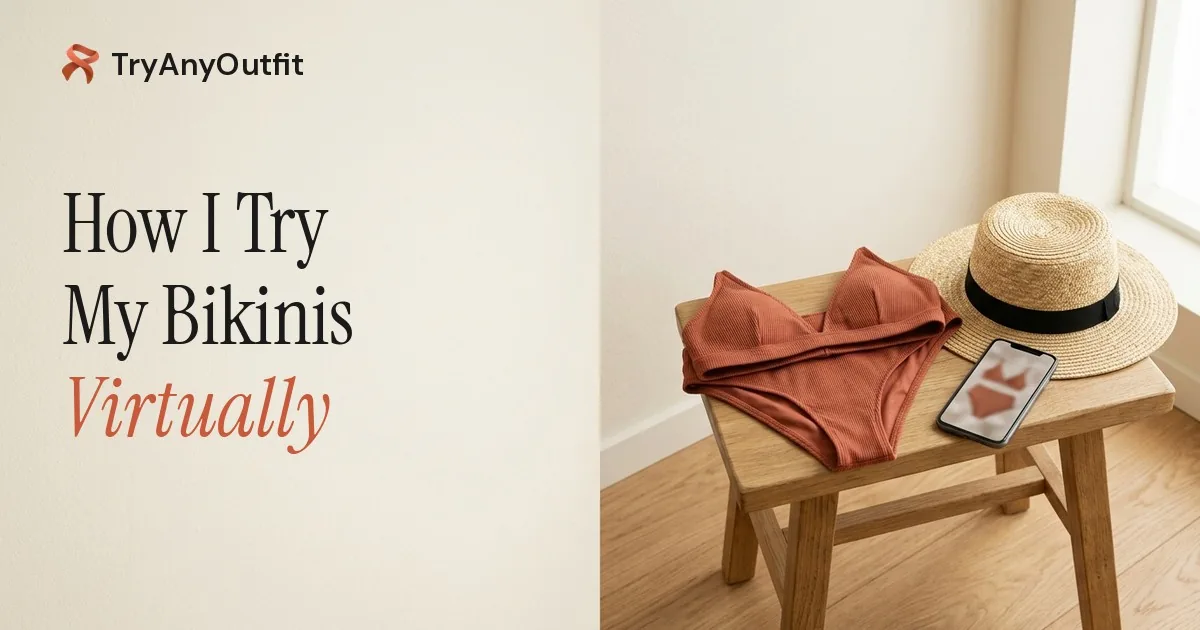
Before anything gets ordered, it goes on my own photo.
It's 1:07am and the bikini set is still open in a tab. Terracotta, triangle top, high-waisted bottoms. On the model it looks like the whole summer I've been promising myself. But would it look like that on me?
Honestly, I can't tell from her photo. Nobody could.
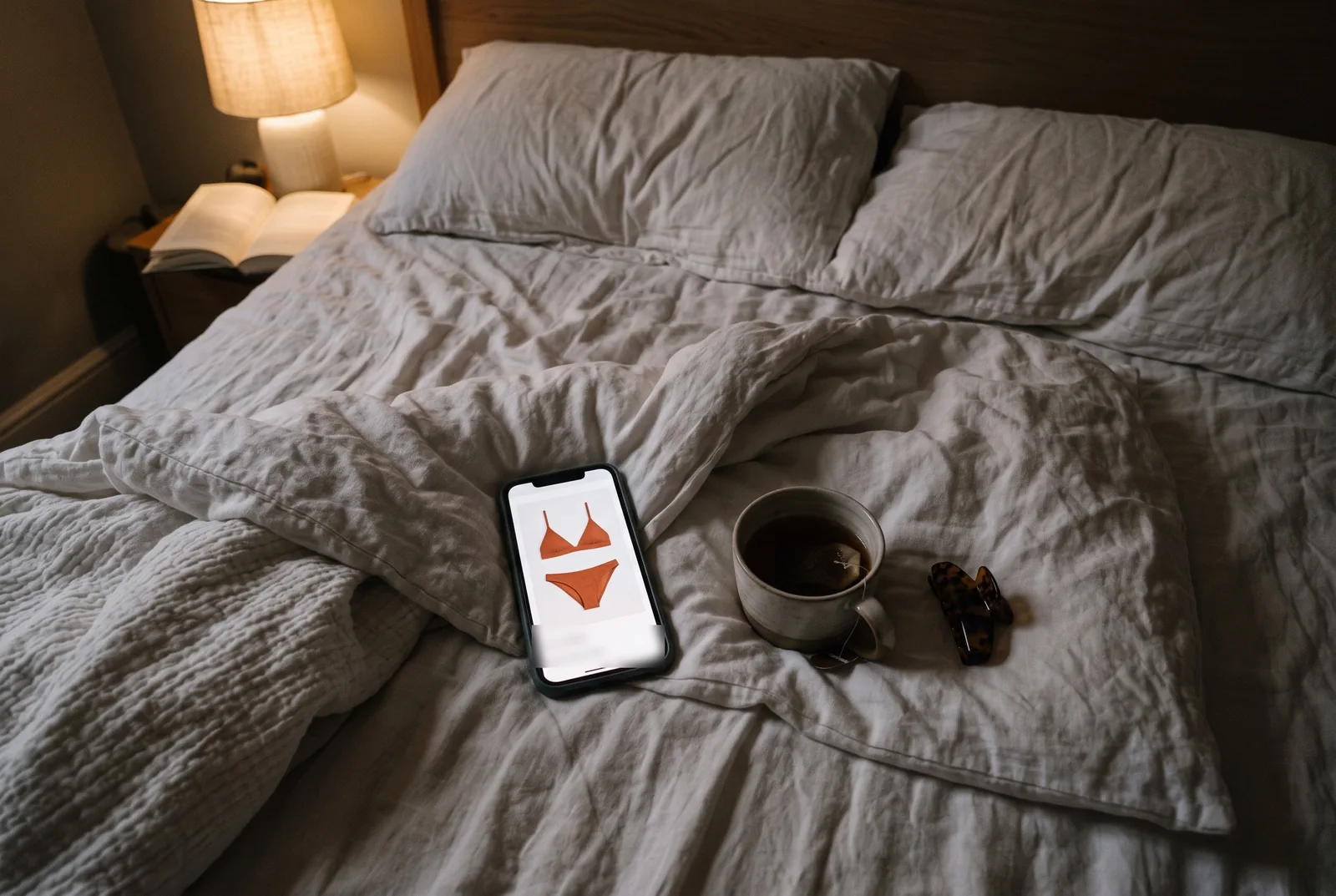 The tab I keep going back to.
I think that's the real problem with buying swimwear online. A model photo answers a question I didn't ask. I want to know if that orange fights my skin or warms it up, and whether a triangle top does anything for my shoulders. And there's the return. Plenty of shops won't take swimwear back once the hygiene liner is gone, and some sell it final sale. So the order I place tonight might be one I'm stuck with.
I could buy two colors and send one back. I've done that before. The box sat by my door for three weeks.
My photo, their bikini
So now I try it on first. I open a bikini try-on page in my browser and get two empty boxes: one says Bikini, the other says You.
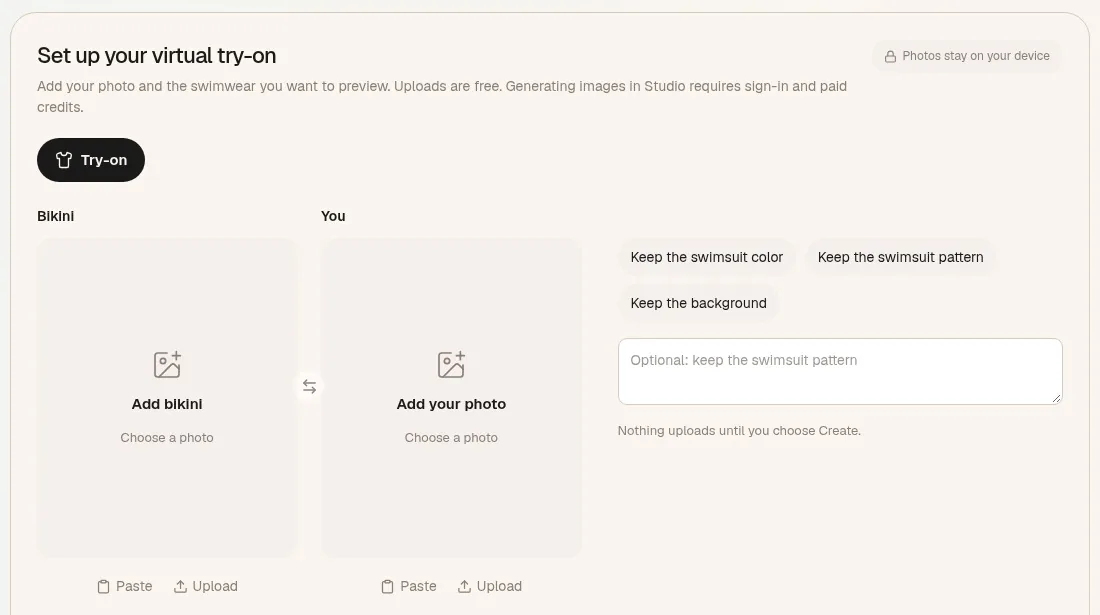 The setup screen on tryanyoutfit.com, before anything is added. Screenshot taken October 26, 2026.
The bikini part is easy. I screenshot the product photo, then crop out the "add to bag" button and the row of other suggestions. I keep both pieces in frame with the ties showing. Then I check it's the terracotta and not the rust one next to it, because a similar photo can give me a very convincing preview of the wrong swimsuit.
My photo takes longer. My camera roll is mostly group shots and my face at odd angles, and none of that works, since a face-only selfie leaves out the part I care about. What I need is me facing the camera in even light, with my torso and hips visible. I don't have to be in swimwear for it. A fitted top and leggings work better than a hoodie, because bulky layers blur the outline.
So I stand in the hallway where the light is flat, prop my phone on a shelf and take three. I use the one where my arms aren't crossed.
Under the two boxes there are a few toggles. I tap Keep the swimsuit color, because color is the whole question tonight. There's also a small note: nothing uploads until I choose to create. Up to there, it's just my browser holding two pictures.
The part that costs something
Then I hit Generate in Studio. This is where it asks me to sign in, and where it stops being free: each generated image uses one paid credit. There's no free generation hiding behind a signup. At 1am that's a little annoying, and also kind of a relief, since I know what I'm paying for. Current options are on the pricing page.
In Studio both pictures sit side by side, and the result appears underneath.
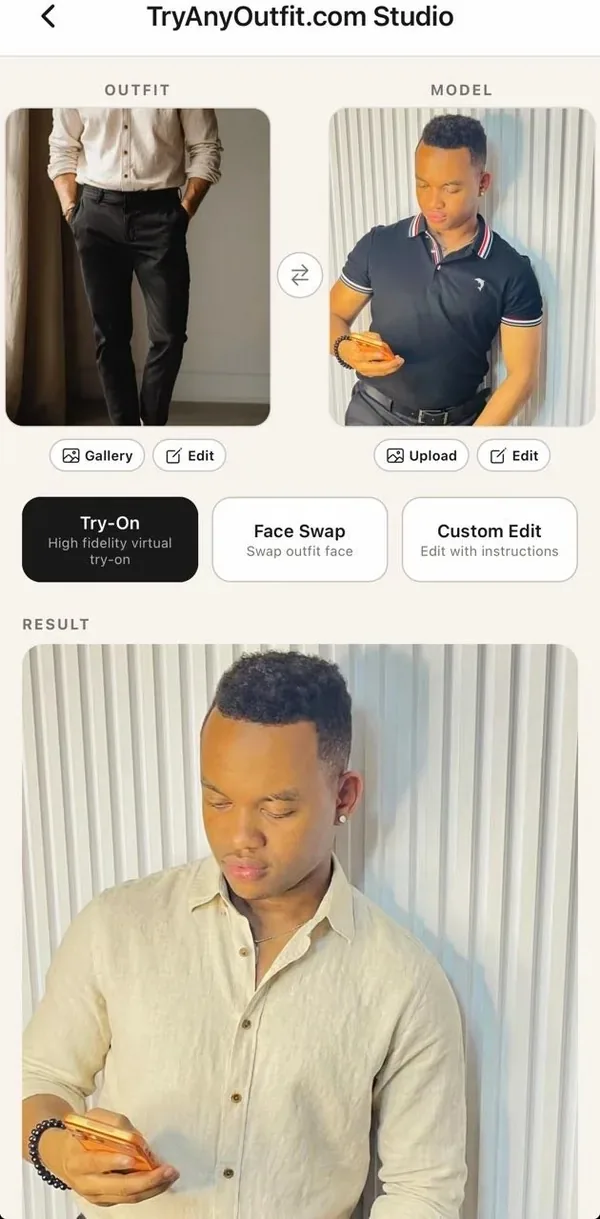 How Studio lays it out: the outfit and your photo on top, the result underneath. This one is the app's own demo with a shirt, not a swimsuit.
I look at the color first, right by my face and on my shoulders. That's the thing a model photo couldn't tell me, and it's what the preview is best at.
Then I get picky. I hold the result next to the shop's photo and check that the straps are still thin and the side ties made it through. AI can redraw small details, like the hardware or how much the bottoms cover. If a detail changed, I don't use the preview to judge that detail. It's showing me a slightly different bikini.
If I want to compare, I run the navy version from the same listing on the same photo. Same pose, same light, same hallway. That way I'm comparing two swimsuits, not two photos of myself.
What it can't tell me
In my view, this is the part most try-on talk skips. The picture doesn't know my measurements and it isn't a size recommendation. How the elastic feels, whether that top stays put when I dive in, what the fabric looks like wet: none of that is in a generated image.
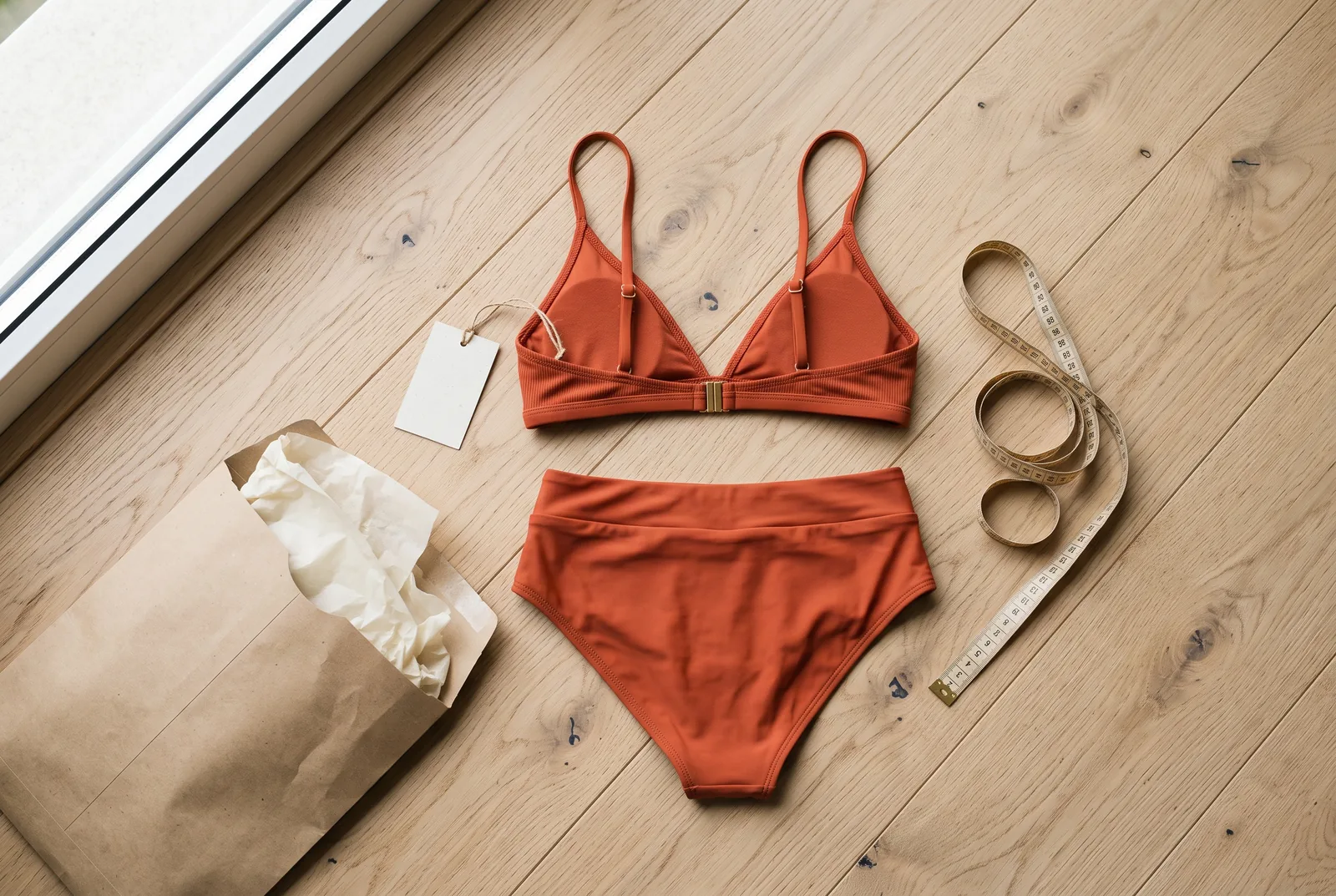 The tape measure gets the last word on size.
So the size question goes back to the shop. I get the tape measure out and check the brand's own chart, not the letter I usually buy. I look at whether the top and bottom are sold separately, since a lot of people need two different sizes. I read the back photos for coverage and lining. And I read the returns page before I pay, hygiene-liner rules and all.
So, did I buy it?
On this night, yes. The terracotta looked better against my skin than the navy did, which I would not have guessed from the model. I ordered the top one size up from my usual after checking the chart, the bottoms in my normal size, and I screenshotted the return terms just in case.
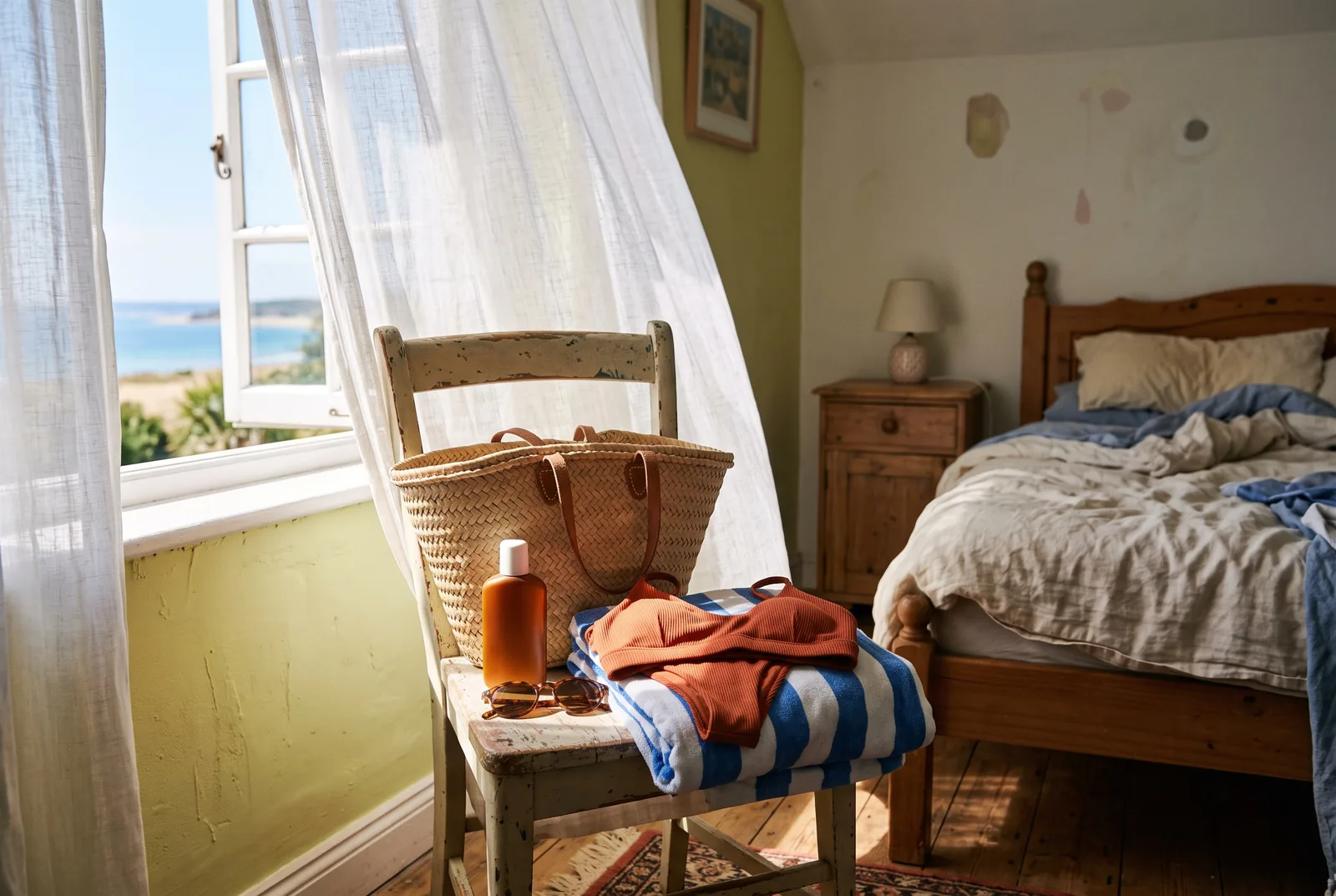 The goal was always this chair, not the returns counter.
What I took from it is small but useful. I use the preview for the question it can actually answer, which is how this color and this cut look on my body. The size chart and the return policy answer the rest.
One honest note: the "I" here is an illustrative shopper and this night is made up. The steps are the real ones, and we make the tool, so read this with that in mind. If you've got a bikini open in a tab right now, you can set up the same thing on the bikini try-on page in your browser, or in the TryAnyOutfit app on iPhone or Android. For more on getting the two photos right, there's our bikini try-on guide. For anything that isn't swimwear, the general virtual try-on page works the same way.