
TryAnyOutfit
See that outfit on you.
A specific look from any photo, on your real photo.
- Your photo, not an avatar
- Change only the top or bottom
- Recolor with a text instruction
- iPhone, Android and web Studio
TryAnyOutfitvsAnywearTL;DR: Anywear, from Decart, is a Chrome extension for live camera clothing previews, with beta access at no charge. TryAnyOutfit uses your real photo and any outfit photo or screenshot, with saved looks, part-only edits and text recoloring on iPhone, Android and web. Choose Anywear for a live preview while browsing stores; choose TryAnyOutfit to keep and compare looks on your own photo.
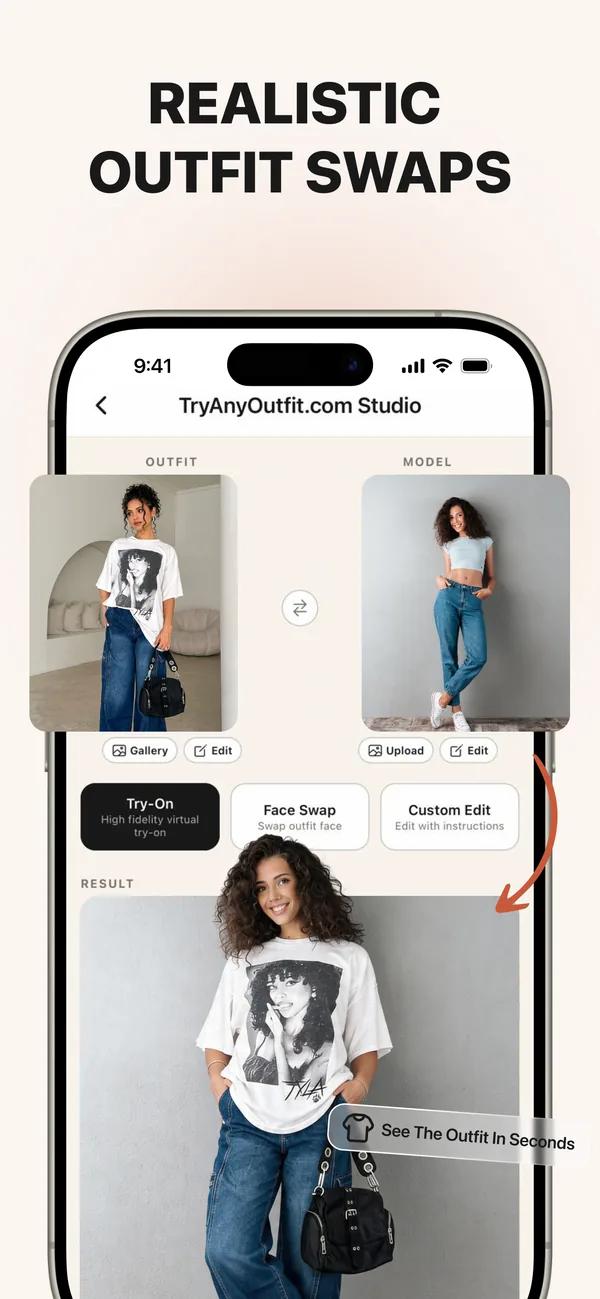
TryAnyOutfit product artwork beside a neutral workflow diagram. No Anywear screenshots or branding are used. This is not an image-quality test or an endorsement.
Choose by what you want to do
TryAnyOutfit
A specific look from any photo, on your real photo.
Anywear
Live camera clothing previews while browsing fashion sites.
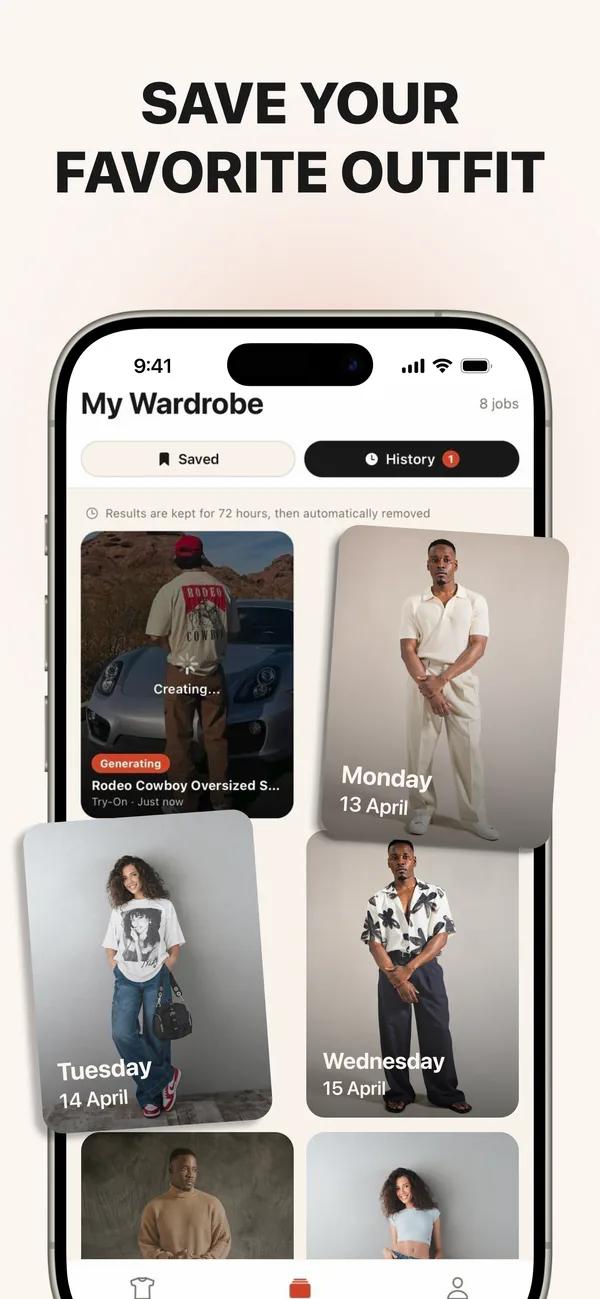
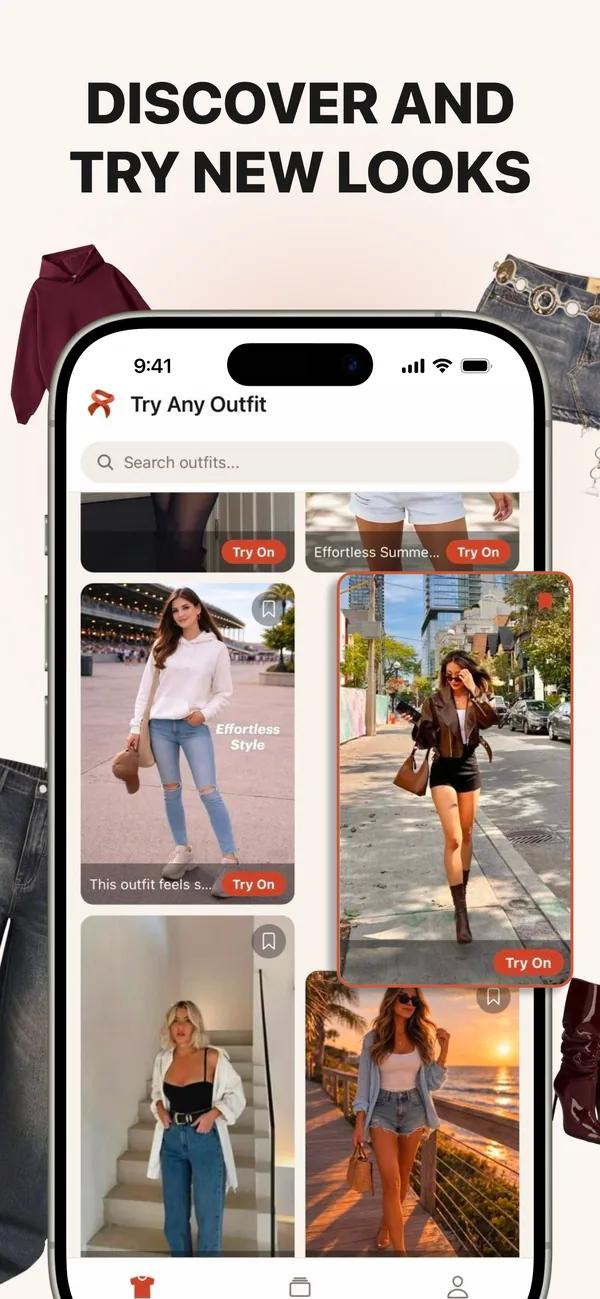
TryAnyOutfit product artwork beside a neutral workflow diagram. No Anywear screenshots or branding are used. This is not an image-quality test or an endorsement.
| Topic | TryAnyOutfit | Anywear |
|---|---|---|
| Core job | Preview and save a look on your own real photo. | Preview garments on a live camera feed. |
| Inputs | Your photo plus any outfit image or screenshot. | Camera permission and a clothing image dragged from a fashion site; no photo upload required. |
| Platforms | iPhone, Android and web Studio; credits shared across all three. | Desktop Chrome extension; a web app is available for phones. |
| Part-only edits and recolor | Top only and Bottom only edits; recolor with a text instruction. | Dedicated equivalent controls were not verified in the checked sources. |
| Saved comparisons | Keep previews and compare looks using the same person photo. | Live camera previews are documented; saved comparison controls were not verified. |
| Pricing | Cheap to start; paid credits. | Beta access at no charge, with no account or payment card required. Heavy or enterprise use is paid; post-beta prices are not listed on the checked product pages. |
| Photo handling | Uploaded photos are auto-deleted after 72 hours unless you save them. | The site says no photo upload is needed. Camera-data retention was not reviewed; consult its privacy policy. |
| Retailer integration | Bring an outfit photo or screenshot from any store. | A retailer embed is also offered for product pages. |
| Underlying model | AI outfit generation; this guide does not compare model performance. | Decart describes Anywear as its product using the Lucy V-TON real-time video model. |
| Limitations | A visual preview, not a fit or size tool. | This comparison does not establish measurement or size accuracy. |
We make TryAnyOutfit. This is a product and workflow comparison, not an independent performance test. Unverified features are labeled rather than treated as absent.
Choose Anywear for its documented workflow. Choose TryAnyOutfit for a specific outfit preview on your real photo.
Choose Anywear when you want to browse a fashion site and see clothing through your camera without preparing a person photo. Its desktop extension and beta access make it a practical option for a quick live preview. On phones, its site directs people to a web app.
Choose TryAnyOutfit when you already have a screenshot or outfit image and want a result on your real photo. Keep the same person photo to compare looks, change only the top or bottom, or recolor clothing with a text instruction. Credits are shared across iPhone, Android and web Studio.
In TryAnyOutfit, add your own photo and the garment image or screenshot. Generate with paid credits, save the looks you want to keep and compare the styling with the store image.
In Anywear, install its desktop Chrome extension, open a fashion site, enable the camera and drag a clothing image into the live preview. These steps come from its product instructions; this guide is not a timed performance test.
Choose Top only or Bottom only in TryAnyOutfit to replace one part of the look. To explore another color, give a text instruction such as make the top navy, then compare the generated image with your original.
The Anywear sources checked describe dragging clothing onto the camera feed. Dedicated part-only and text-recolor controls were not verified; check the current product if those controls matter to you.
Keep your original person photo in TryAnyOutfit and add a second outfit reference. Generate another preview and compare the saved images. Using the same source photo makes differences in color and styling easier to judge.
For another live preview in Anywear, drag the next clothing image onto the camera feed. Choose between the workflows based on whether you want a live camera session or images you can keep and review.
TryAnyOutfit is not a fit or size tool. Generated details, patterns and proportions can change, so use the retailer's measurements and return policy before buying. This comparison does not establish Anywear's sizing accuracy or rank either product's image quality.
TryAnyOutfit uses paid credits. Uploaded photos are auto-deleted after 72 hours unless you save them. Anywear's checked pages do not list post-beta prices. We did not review its camera-data retention policy; not needing a photo upload does not establish how camera data is processed or retained.
Anywear uses your live camera rather than requiring a person-photo upload. TryAnyOutfit uses your real photo alongside an outfit image or screenshot.
Its desktop extension runs in Chrome. Anywear's site also describes a phone web app; this guide does not provide an unverified mobile URL. TryAnyOutfit runs on iPhone, Android and web Studio with shared credits.
Anywear offers beta access at no charge, without an account or payment card, for a limited period; heavy or enterprise use is paid. Its checked pages do not list post-beta prices. TryAnyOutfit is cheap to start, uses paid credits and has no free trial.
TryAnyOutfit supports Top only, Bottom only and recoloring with a text instruction. Dedicated equivalent controls were not verified in Anywear's checked sources.
Uploaded photos are auto-deleted after 72 hours unless you save them.
TryAnyOutfit is not a fit or size tool. This comparison does not establish Anywear's measurement accuracy. Check garment measurements and the retailer's size chart separately.
Competitor facts checked 29 Oct 2026. Product features and beta terms can change. This is a workflow comparison, not an independent performance test.
Browser extension; desktop Chrome and phone web app; live camera without a photo upload; beta access without an account or card; retailer embed; built by Decart. The installation and garment-drag steps are documented here. Checked 29 Oct 2026. Primary source: Anywear is a browser extension / Chrome on desktop today / It uses your live camera / Free during Beta / One line of code / Decart
No uploaded person photo is needed; heavy or enterprise use is paid. Post-beta prices were not listed on the checked product pages; this is an observation, not a price forecast. Checked 29 Oct 2026. Primary source: Nothing is uploaded / Heavier or enterprise-scale use is a paid conversation.
Anywear uses Decart's Lucy V-TON real-time video model. Checked 29 Oct 2026. Primary source: Decart's Lucy V-TON, a real-time video model.
See TryAnyOutfit privacy and current pricing. TryAnyOutfit has no free trial.

